Upload App - Error Fix
1. ERROR ITMS-90166
“Missing Code Signing Entitlements. No entitlements found in bundle ‘com.x.x’ for executable ‘Payload/xxx.app/PlugIns/xxx_yyy.bundle/xxx’.”

# SOLVE
- 將 .bundle 內的 Info.plist 打開. (Xcode)
刪除 Executable file.
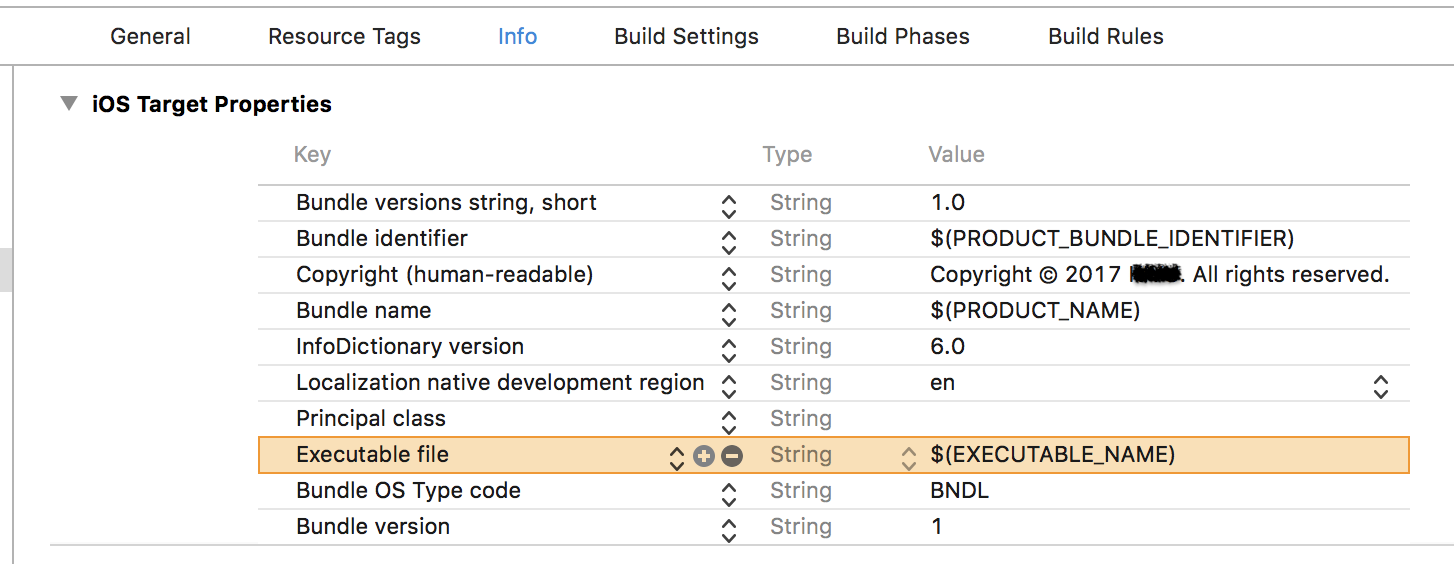
rebuild .bundle & Archive .app.
# Reference
2. Error ITMS-90717
"Invalid App Store Icon. The App Store Icon in the asset catalog in 'xxx.app' can't be transparent nor contain an alpha channel."

# SOLVE
3. ERROR ITMS-90171
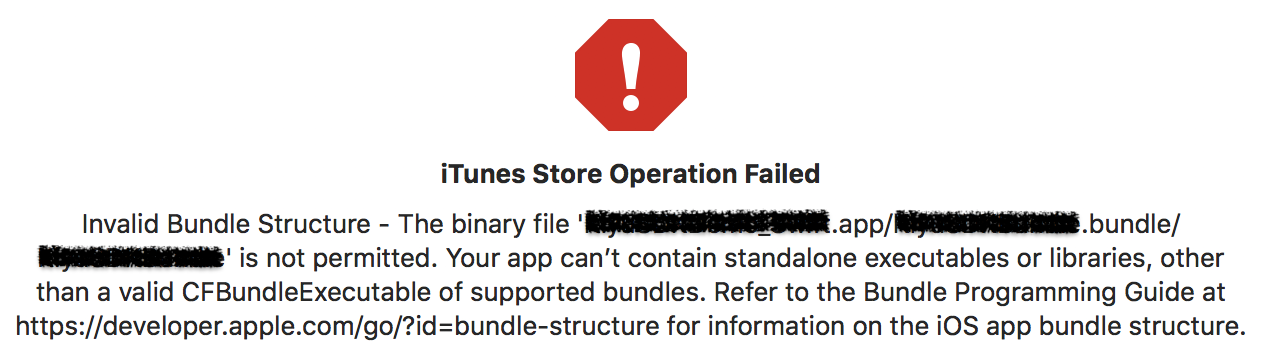
"Invalid Bundle Structure - The binary file 'xxx.app/xxx.bundle' is not permitted. Your app can’t contain standalone executables or libraries, other than the CFBundleExecutable of supported bundles. Refer to the Bundle Programming Guide at https://developer.apple.com/go/?id=bundle-structure for information on the iOS app bundle structure."
# 說明
這個錯誤較常出現在專案內有加入靜態library的情況,錯誤主因是:靜態library會被視為「不能執行、純粹的資料」,當有需要靜態library內的資料時,才會去讀取的被動角色。所以當靜態library內包含任何可執行的檔案,就會出現這個錯誤。
備註:.bundle也是一個靜態library。
# SOLVE
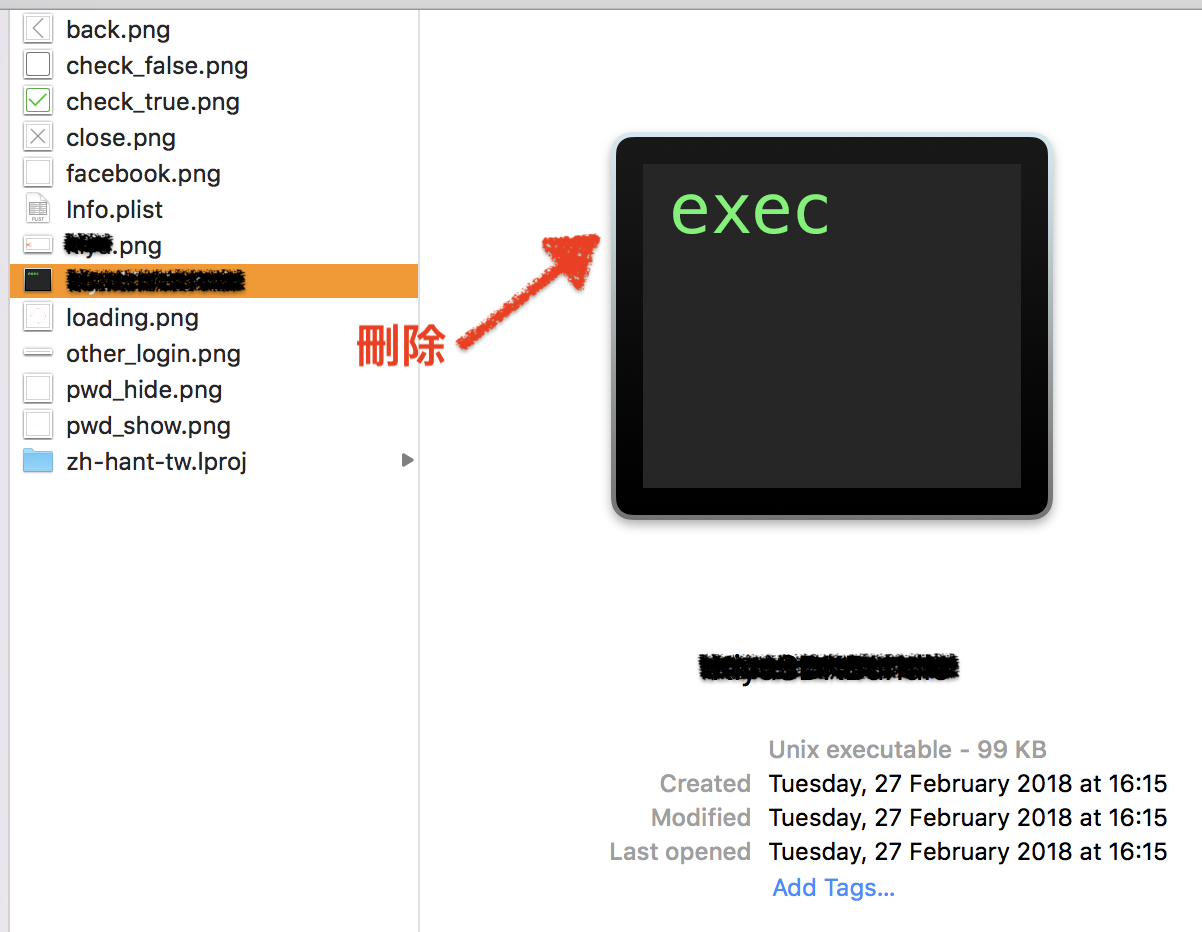
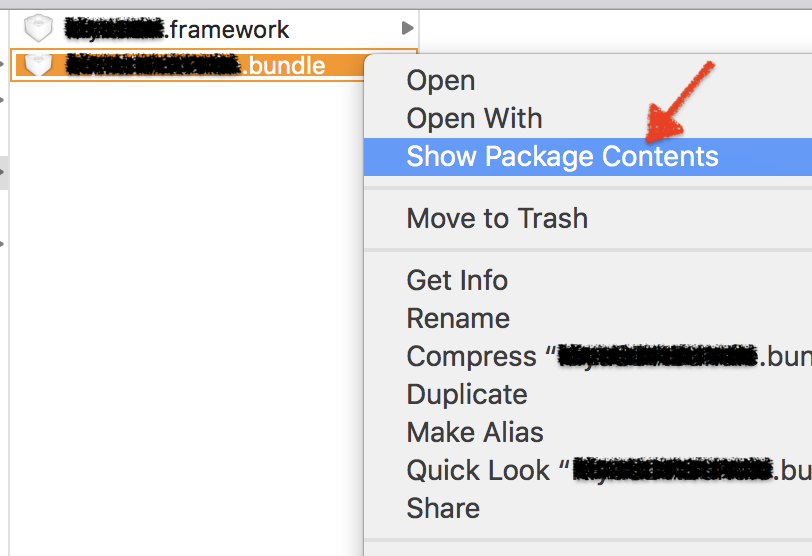
- 開啟 .bundle 所在資料夾.
對著 .bundle 按滑鼠右鍵 > Show Package Contents.
找尋有沒有 execute file,有就刪除.